While property crime in Western Canada cities decreased by 13% recently, thefts at remote locations are rising. In some areas, break-ins at non-residential sites jumped by 86%. This is not random. It is driven by the high price of industrial materials.
Copper has become a primary target for organized crime. In Alberta, companies like Telus reported a 238% increase in copper theft. Thieves are stripping electrical wiring from oilfield pumpjacks and grounding wires from utility poles. These crimes do more than cause property loss. They cut off emergency services and lead to millions of dollars in repair costs.
The Royal Canadian Mounted Police use a strategy focused on suppression and enforcement. However, police cannot reach isolated sites quickly. Most remote locations are hours away from the nearest station. This delay makes a site-specific security system a requirement for any company that wants to stay operational. NTFS builds and installs these systems to stop theft before it causes a total shutdown.
Camera Hardware for Harsh Environments
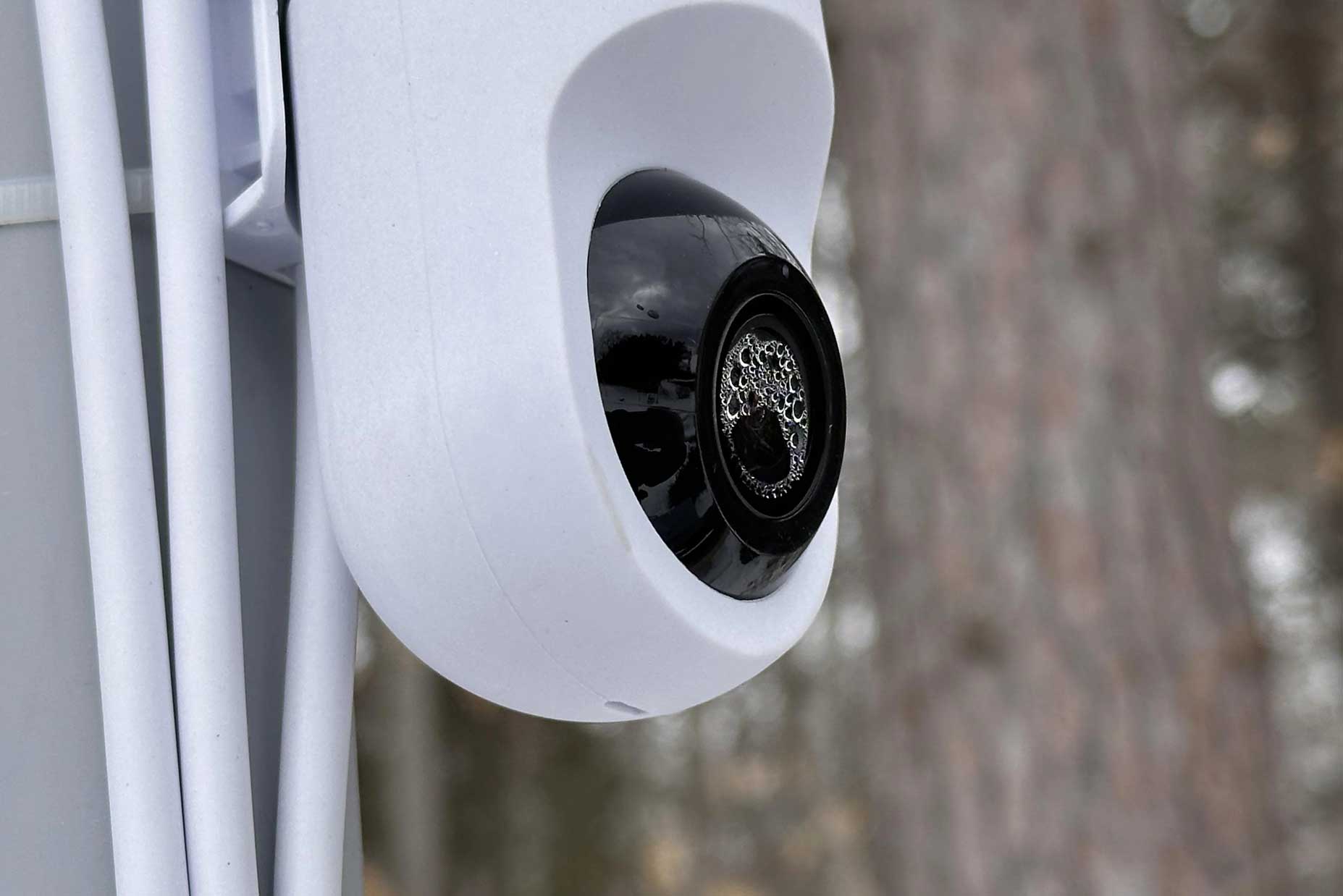
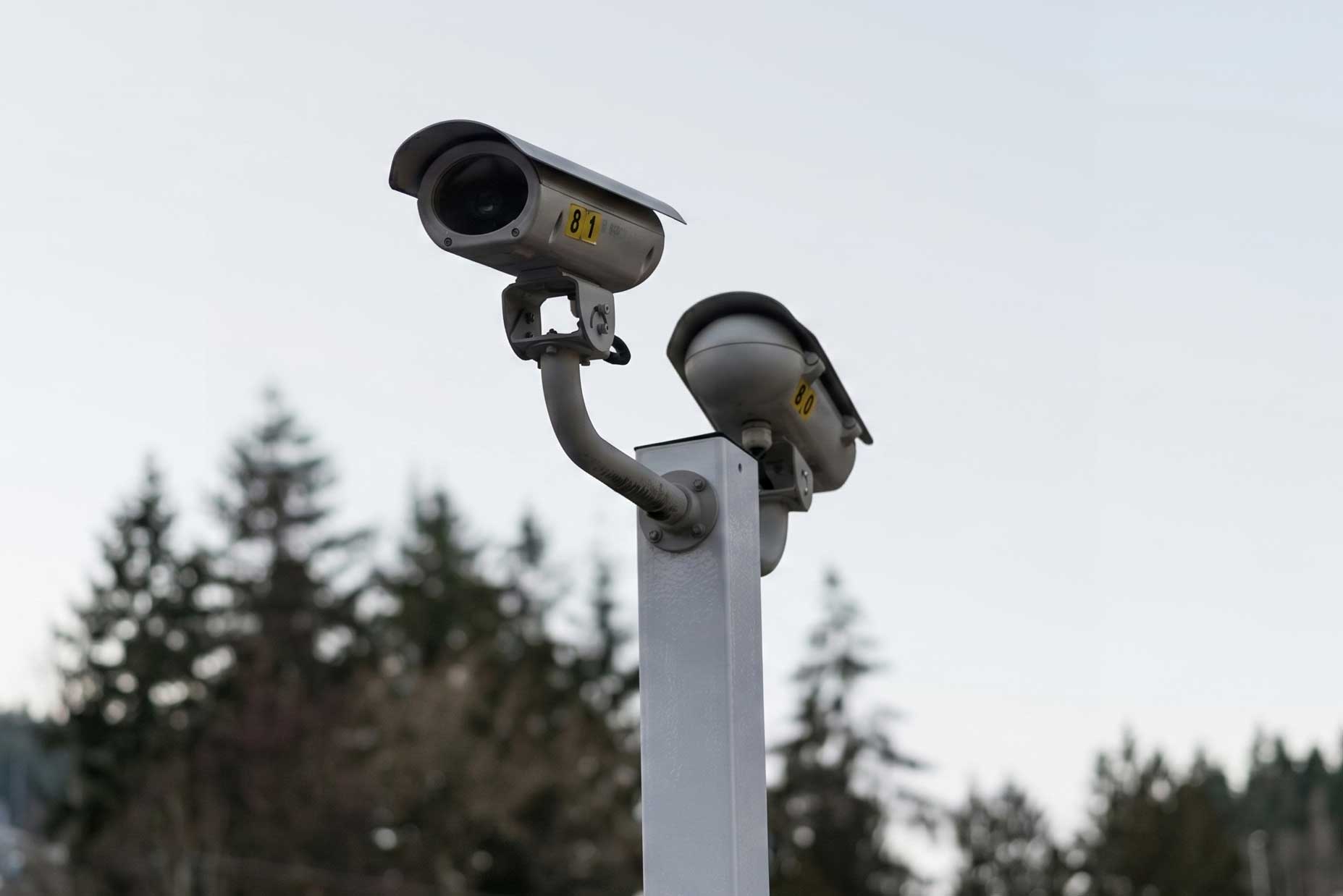
Choosing cameras for a remote site is different from choosing them for a city office. The equipment must handle extreme weather and provide clear images without a lot of light. We use the Ubiquiti UniFi G5 series because it offers a range of tools for different security needs.
Sensor Size and Image Quality
The most important part of a camera is the sensor. A larger sensor captures more light. The UniFi G5 Professional uses a 1/2 inch sensor. This is much better than the smaller sensors found in basic cameras. In a remote area with no streetlights, a large sensor reduces the “noise” or graininess in the video.
Clear video is necessary for AI to work correctly. If the image is blurry, the system cannot identify a face or a license plate. The G5 Professional provides 4K resolution. This allows you to identify a person at a distance of 25 meters. If you add an infrared vision enhancer, that distance increases to 40 meters.
Physical Durability
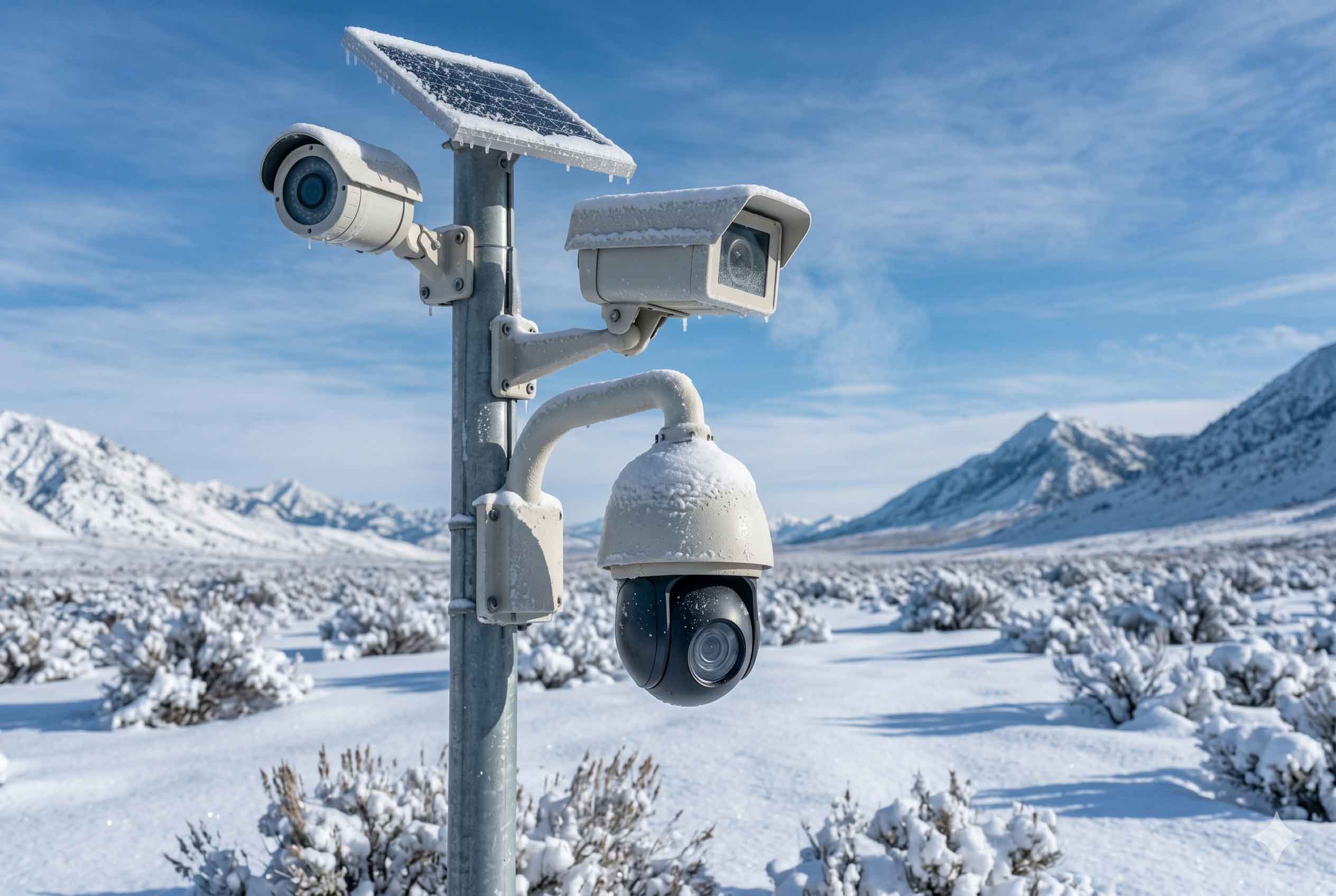
Weather in Northern Alberta or the Yukon is a major threat to electronics. Most outdoor cameras are rated for temperatures down to -20 or -30 degrees Celsius. However, winter temperatures often drop to -40 degrees. In these cases, NTFS installs cameras inside heated housings. These enclosures use a thermostat to keep the camera warm enough to function.
The system must also keep out water and dust. We look for an IP66 or IP67 rating. This means the camera is sealed against powerful water jets and fine dust. For sites where vandalism is a risk, we use cameras with high impact ratings. This ensures the equipment keeps recording even if someone tries to hit it with a tool or a rock.
| Feature | G5 Professional | G5 Bullet | G5 PTZ | G5 Turret Ultra |
| Resolution | 4K (8MP) | 2K (4MP) | 2K (4MP) | 2K (4MP) |
| Sensor Size | 1/2″ CMOS | 5MP CMOS | 1/2.7″ CMOS | 1/2.4″ CMOS |
| Temperature | -20 to 50°C | -20 to 40°C | -30 to 45°C | -30 to 45°C |
| Weather Rating | IP65 | IP65 | IP66 | IP66 |
Off-Grid Power Systems
A security system is useless if it has no power. Most remote sites do not have access to the electrical grid. This means the system must generate and store its own energy. We design these systems as small, independent power grids.
The Shift to Lithium Batteries
For years, people used lead-acid batteries for remote power. These are heavy and do not last long. Today, we use Lithium Iron Phosphate batteries. These are much more efficient. You can use 90% of the energy in a lithium battery without damaging it. A lead-acid battery can only be used to 50% capacity.
Lithium batteries also last longer. They can be charged and used up to 8,000 times. This reduces the total cost of the system over ten years. There is one challenge: you cannot charge a lithium battery if it is below freezing. To solve this, NTFS uses insulated boxes with built-in heaters. The solar panels provide enough power to keep the battery warm so it can charge during the day.
Calculating Your Power Needs
We use a strict formula to size these systems. If the system is too small, the cameras will turn off during a storm. If it is too large, you are wasting money. We look at the “constant load” of the hardware.
For example, a hub with four G5 Professional cameras, a network switch, and a Starlink terminal uses about 116.8 watts. In 24 hours, that is 2,803 watt-hours of energy. We multiply this by 1.5 to account for energy lost in wires and charging. This brings the daily need to 4,205 watt-hours.
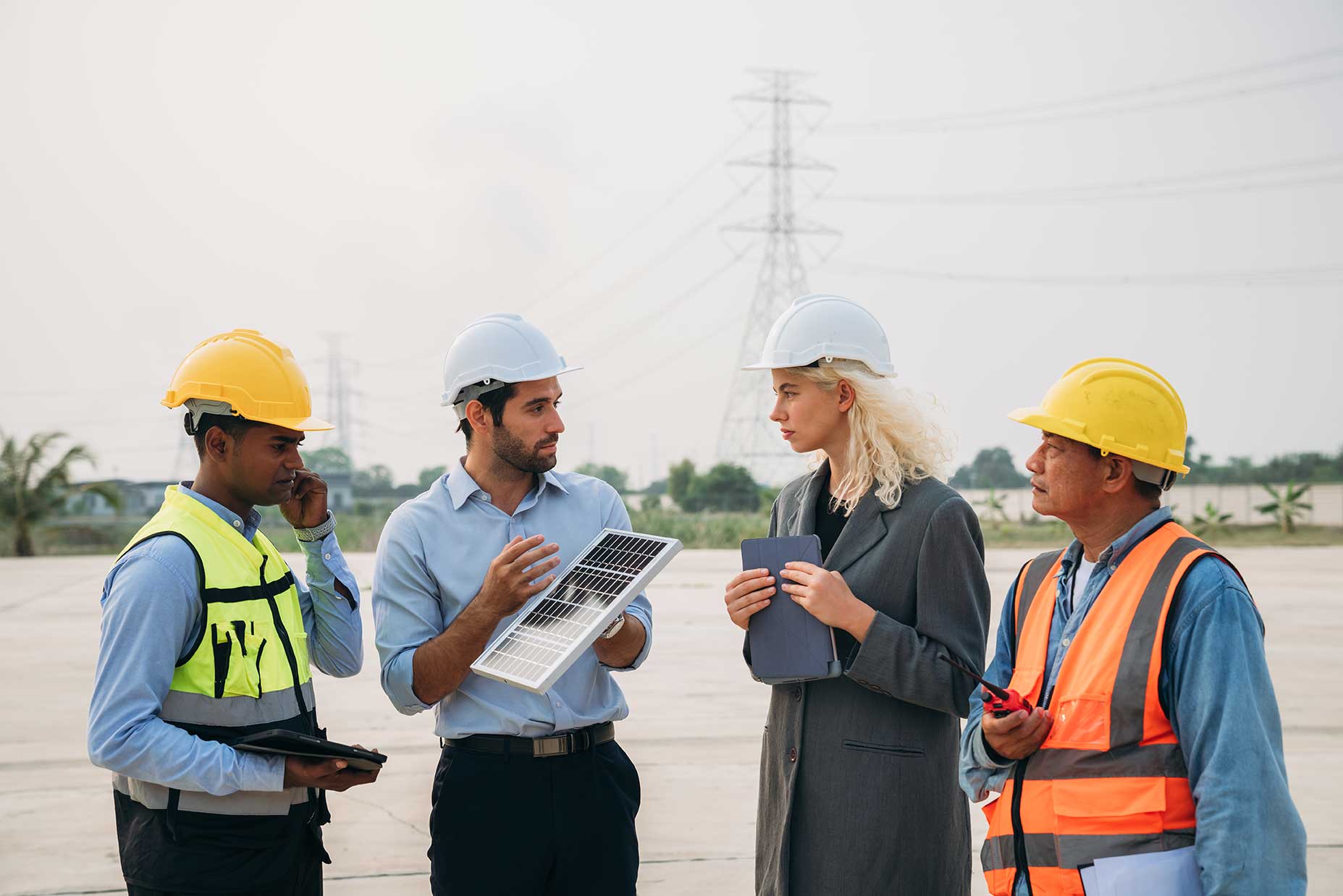
In a Canadian winter, you might only get two hours of good sun per day. The solar array must be large enough to charge the entire system in those two hours. For this specific load, we would install about 2,473 watts of solar panels. We also ensure there is enough battery storage to run the system for three full days without any sun.
Solving the Connectivity Problem
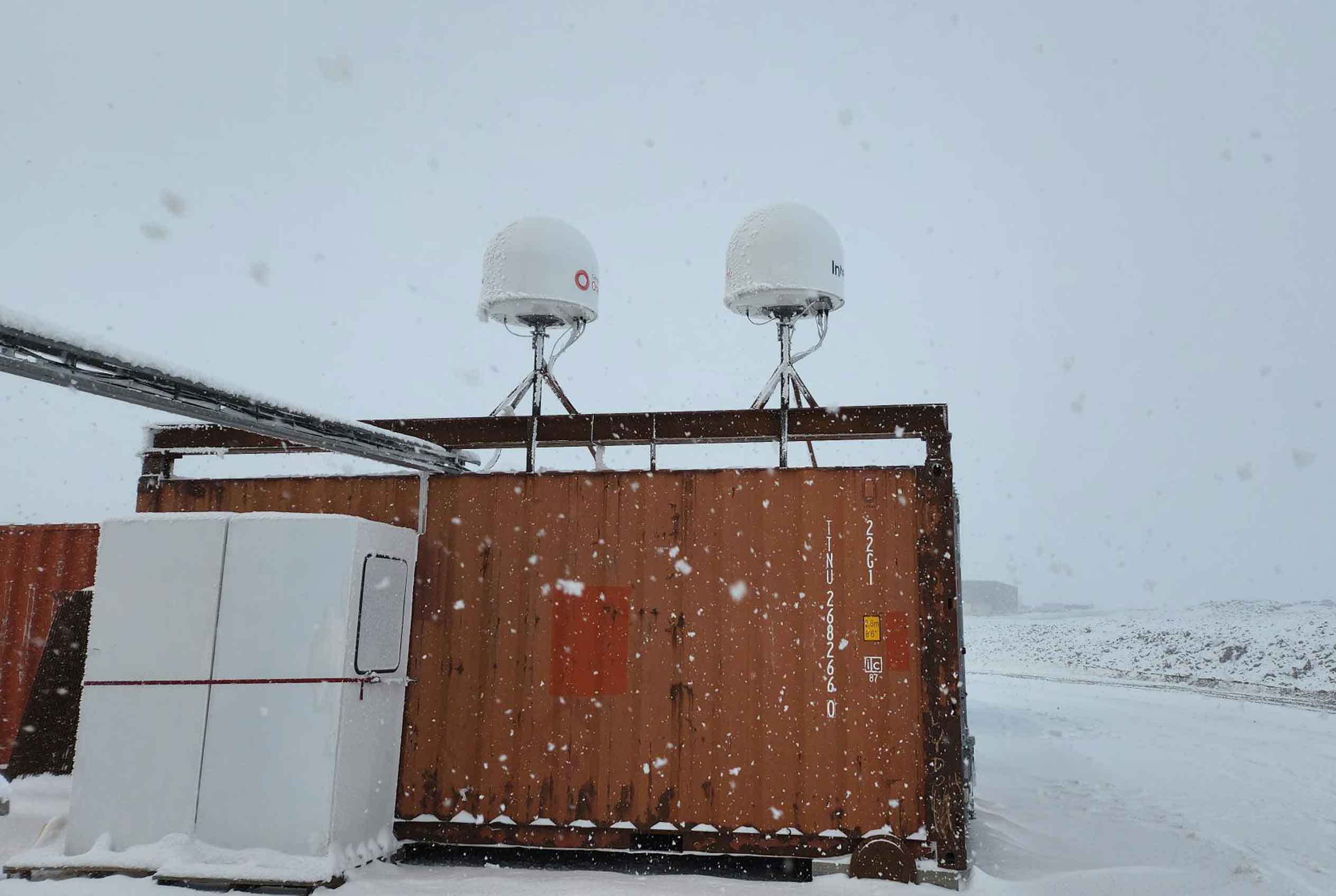
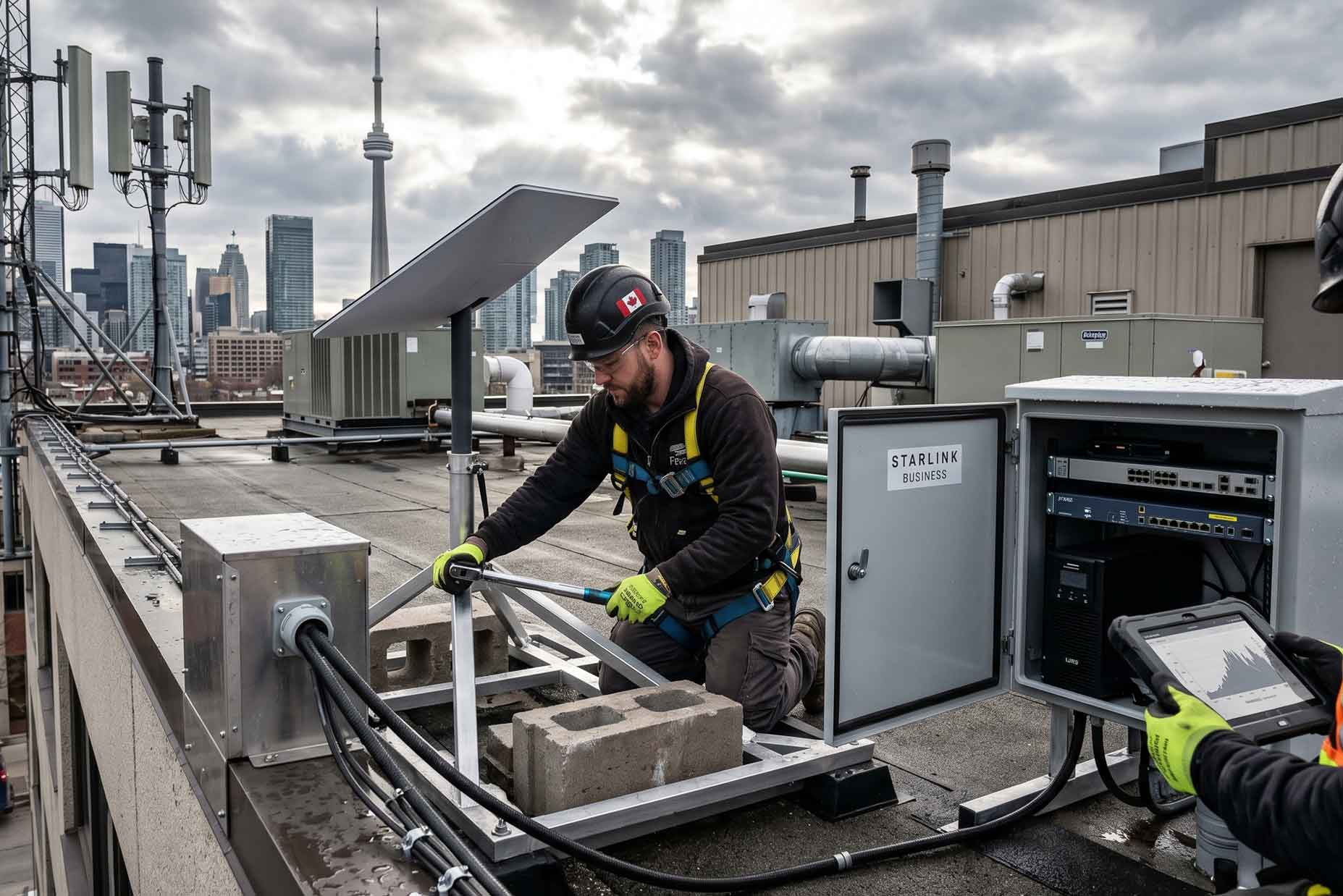
Remote sites do not have cable or fiber internet. To view your cameras from a central office, you need satellite internet. In 2026, the two main choices are Starlink and Eutelsat OneWeb.
Bandwidth Management
Starlink is fast, but it is a shared service. If many people in the area are using it, your speed might drop. This is a problem for security. You cannot afford to lose your video feed during a theft. OneWeb is a better choice for industrial sites because it offers a “Committed Information Rate.” This means a certain amount of speed is reserved just for your company.
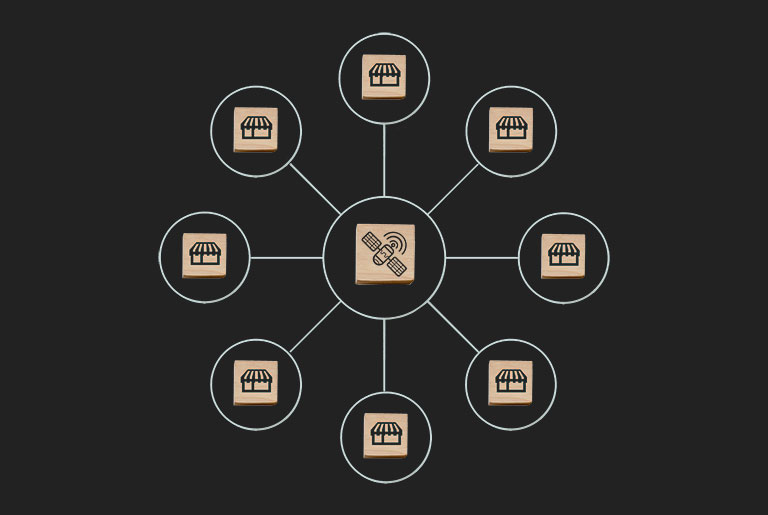
NTFS uses a technology called SD-WAN to manage these connections. We can install both Starlink and OneWeb at the same site. The system monitors both links. It sends high-priority data, like AI alerts, over the more stable OneWeb link. It sends lower-priority data over Starlink. This ensures that you always get a notification if someone enters your site.
Edge AI and Intelligent Detection
Old security systems just recorded everything. This was a problem for remote sites because the internet was too slow to upload all that video. Modern systems use “Edge AI.” This means the camera itself has a computer chip that analyzes the video.
Classification vs. Motion
Older cameras triggered an alert every time a tree moved in the wind or a bird flew by. This created too many false alarms. Our AI cameras can tell the difference between a person, a vehicle, and an animal.
If a deer walks past your fence, the system ignores it. If a person steps over the fence, the system sends an alert to your phone. It can even identify specific details like the color of a person’s jacket or the type of vehicle they are driving. This allows security teams to focus on real threats.
Local Processing
The AI processing happens on the site, not in the cloud. This is critical for off-grid locations. The camera only sends a tiny amount of data over the satellite link when it finds something important. You do not need to stream video 24 hours a day. You only look at the video when the AI tells you there is a reason to watch.
Data Storage and Integrity
Recording the video is only half of the job. You also need to keep that data safe. If a thief steals the recording device, your evidence is gone.
RAID Configurations
We use Network Video Recorders with multiple hard drives. We set these up in a “RAID” configuration. This means the data is spread across several drives. If one drive fails, the system does not lose any video.
For large sites, we use RAID 10. This provides the best speed and security. It allows the system to record from 30 or more 4K cameras at the same time without slowing down. We only use drives designed for constant recording. Standard computer drives will fail within a few months if used for security.
Retention Requirements
Most insurance companies require you to keep video for at least 30 days. In the oil and gas industry, the requirement is often 60 or 90 days. We calculate the storage needs based on the number of cameras and the quality of the video. A site with 24 cameras recording in 4K needs about 186 terabytes of storage to keep 60 days of video. NTFS engineers these storage systems to meet your specific legal and insurance rules.
Legal and Privacy Frameworks
Installing cameras at a workplace involves laws like PIPEDA. These laws protect the privacy of your employees and visitors. You cannot simply put cameras anywhere you want.
Meaningful Notice
You must tell people that they are being recorded. This requires clear signs at every entrance. You also need a written policy that explains why you are using cameras. For most remote sites, the reason is to protect equipment and ensure worker safety.
You should not use security cameras to track employee performance or attendance. The law says you must only collect the information you need for your stated goal. If your goal is to stop copper theft, your cameras should point at your equipment and perimeters, not at employee break rooms or private living areas.
Biometrics and Facial Recognition
Facial recognition is a high-risk technology under Canadian law. If you use it to control access to your site, you must follow strict rules. The data must be encrypted. You must delete the data when a worker’s contract ends. NTFS helps you set up these systems so they provide security without breaking privacy laws.
The Future: Autonomous Security
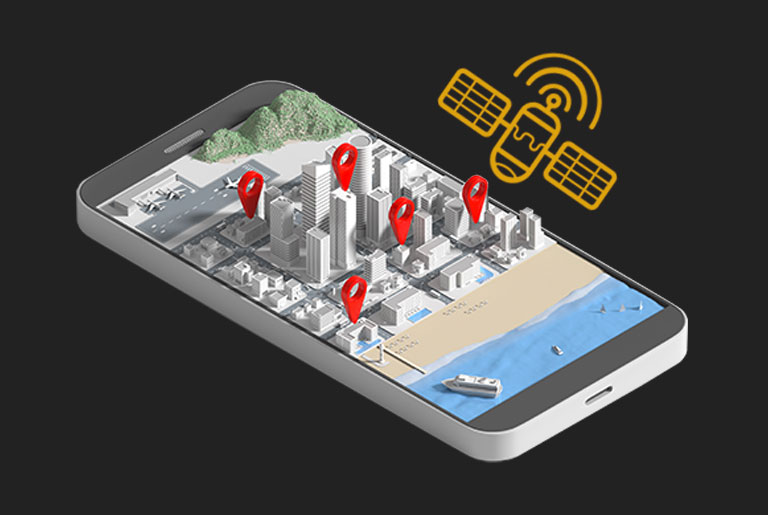
By 2026, security is moving toward autonomous systems. These are environments that can sense and understand what is happening. We use “Digital Twin” technology to help with this. We create a 3D map of your site and layer the camera feeds on top of it. This allows a security guard to see exactly where a person is moving in a virtual space.
We are also seeing the rise of AI agents. If a camera detects an intruder after hours, the system can act on its own. It can turn on bright floodlights and play a loud, pre-recorded warning. It can then send a live video link directly to the local police. This stops a crime while it is happening rather than just recording it for later.
Cybersecurity for Physical Systems
Every device connected to a network is a potential target for hackers. If a hacker gets into your camera system, they could use it to access your corporate network. NTFS builds these systems with multiple layers of defense.
Network Isolation
We never put cameras on the same network as your guest Wi-Fi or your office computers. We use a separate “VLAN” for security. This keeps the camera data isolated. Even if a camera is tampered with, the rest of your network stays safe.
Encryption
All data sent between the cameras and the recording device is encrypted. We also use “Secure Boot” hardware. This ensures that only official software can run on the cameras. This prevents hackers from installing their own software to spy on your site.
Strategic Implementation
Building a remote security system is a complex task. You cannot use a one-size-fits-all approach. Every site has different terrain, weather, and theft risks.
The most successful systems start with a clear plan. We look at your power budget, your internet options, and your local laws. By combining lithium power, satellite internet, and edge AI, we create a system that works in the most isolated parts of Canada.
NTFS designs and installs these systems to protect your assets and your people. We handle the engineering, the installation, and the long-term maintenance. Contact NTFS to begin a site assessment and secure your remote operations.